
Crystal Structure with Mesolite Data#
This tutorial demonstrates how to use the crystal-structure tools in NeuXtalViz to work with Mesolite data measured on MANDI (chemical formula \(\mathrm{Na_2Ca_2Al_6Si_9O_{30}\cdot 8H_2O}\)).
Step 1: Load CIF and view structure#
In the Crystal Structure tool:
Click Load CIF.
Select the Mesolite CIF for the MANDI dataset.
The Structure tab shows the lattice parameters, space group information, unit-cell volume, and a table of atomic positions.
The 3D view displays the Mesolite framework built from the CIF.
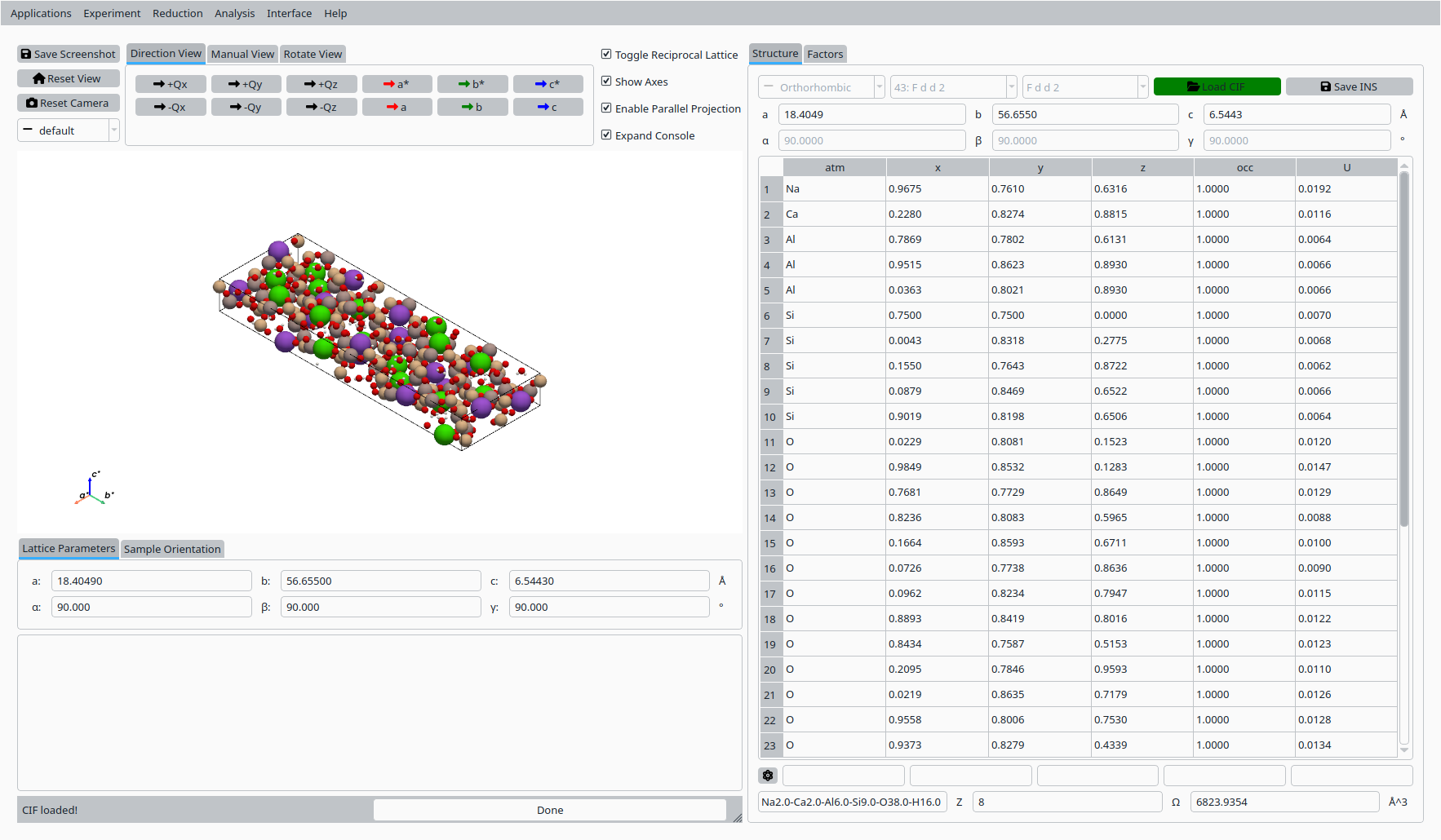
Mesolite crystal structure loaded from CIF (MANDI).#
Step 2: Inspect lattice and scatterers#
On the Structure tab:
Verify that the lattice constants and angles are reasonable for Mesolite.
Check the chemical formula, Z value, and unit-cell volume.
Review the list of scatterers (sites, coordinates, occupancies, and U values) to understand the crystal chemistry.
Step 3: Calculate F² for reflections#
Switch to the Factors tab:
Enter a minimum d-spacing in the d(min) field.
Click Calculate to compute structure factors and \(F^2\) values.
Use the resulting table of h, k, l, d, and \(F^2\) to compare against other diffraction software or reference results.
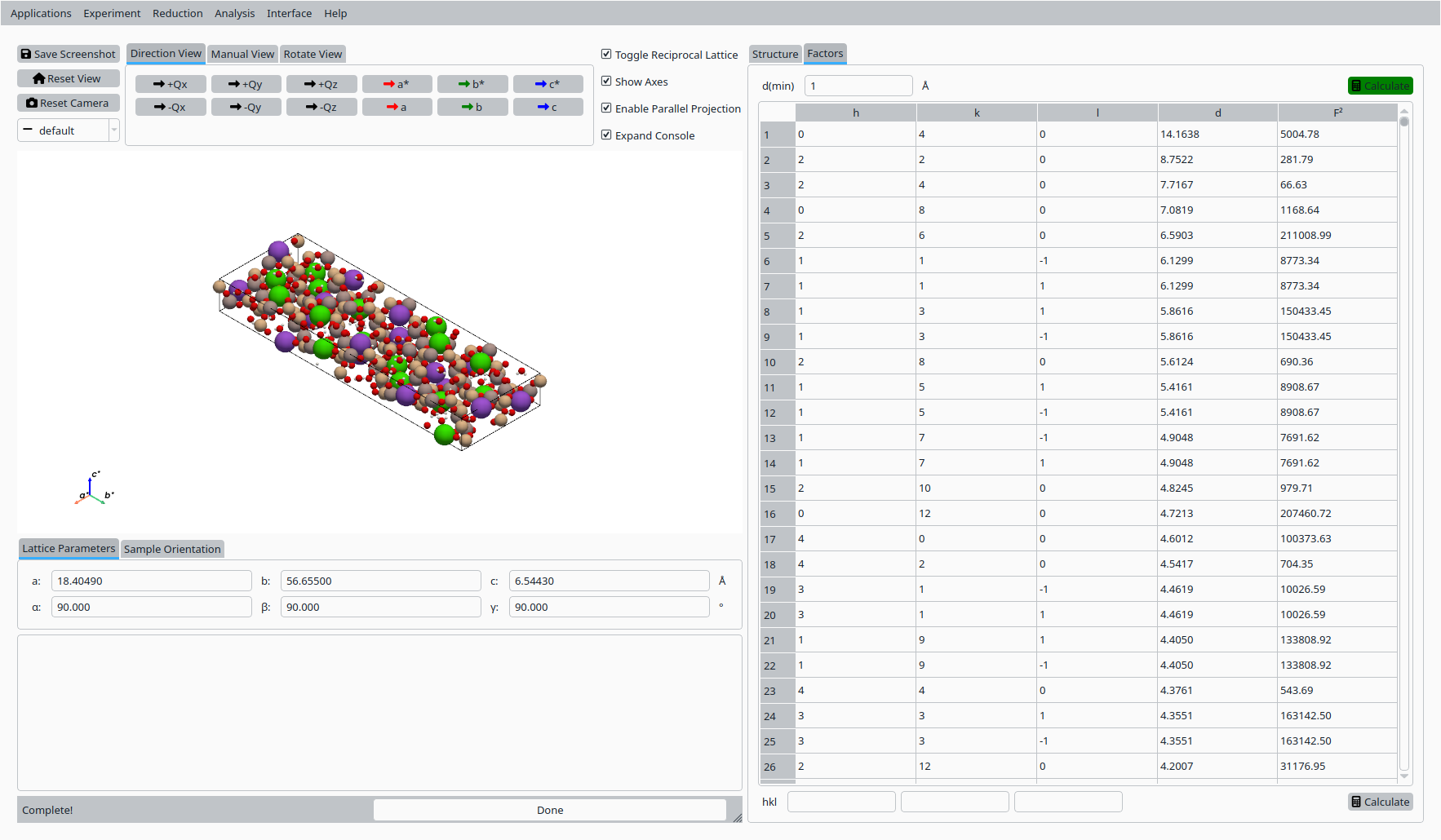
Calculated structure factors \(F^2\) for Mesolite (MANDI).#